QuickTime Installation - instructions (for MS Windows users)
step 2
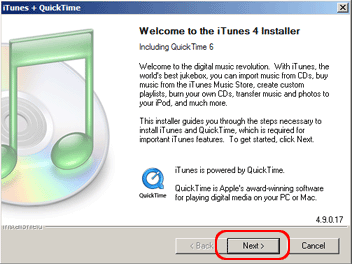
- Installing begins with the "Welcome To the iTunes 4 Installer Including Quicktime 6" dialog box. Click "Next >" to continue.
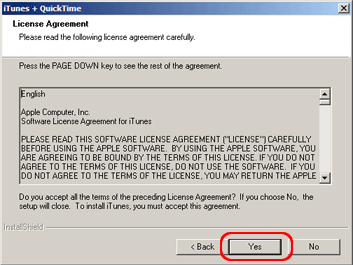
- Click "Yes" to confirm the licensing agreement.
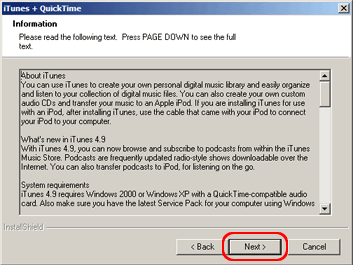
- Click "Next >" to continue.
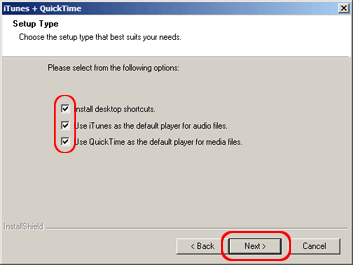
- Read about placing the iTunes icon on your desktop and click "Next >" to continue.
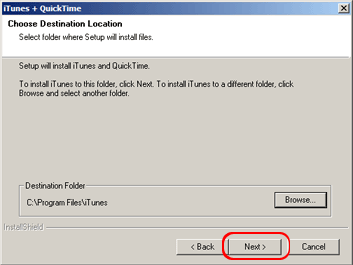
- We recommend keeping the suggested file path and click "Next >" to continue.
- Again click "Next >" to continue.
- After successful installation click "Finish".