QuickTime Alternative Installation - instructions (for MS Windows XP/2000 users)
step 1
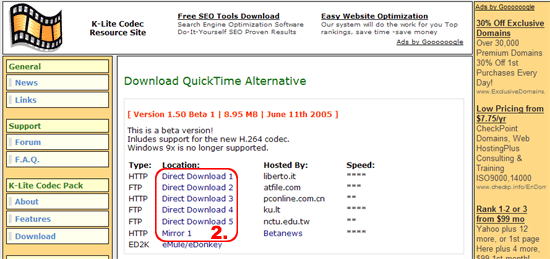
- Go to K-Lite Codec Resource Site (http://www.codecguide.com/download_qt.htm). The following page will appear:
- Choose any server and click "Direct Download".
- In the Download dialog box click "Open". If the computer's security system doesn't allow you to open the file, click "Save", choose a current or create a new folder and click "Save" again. Downloading of the installation file (8.5 MB) will start. When finished, double click on the saved file to install.